Search
People also search for:

Is Your Team Actually Using Copilot — Or Just Ignoring It?
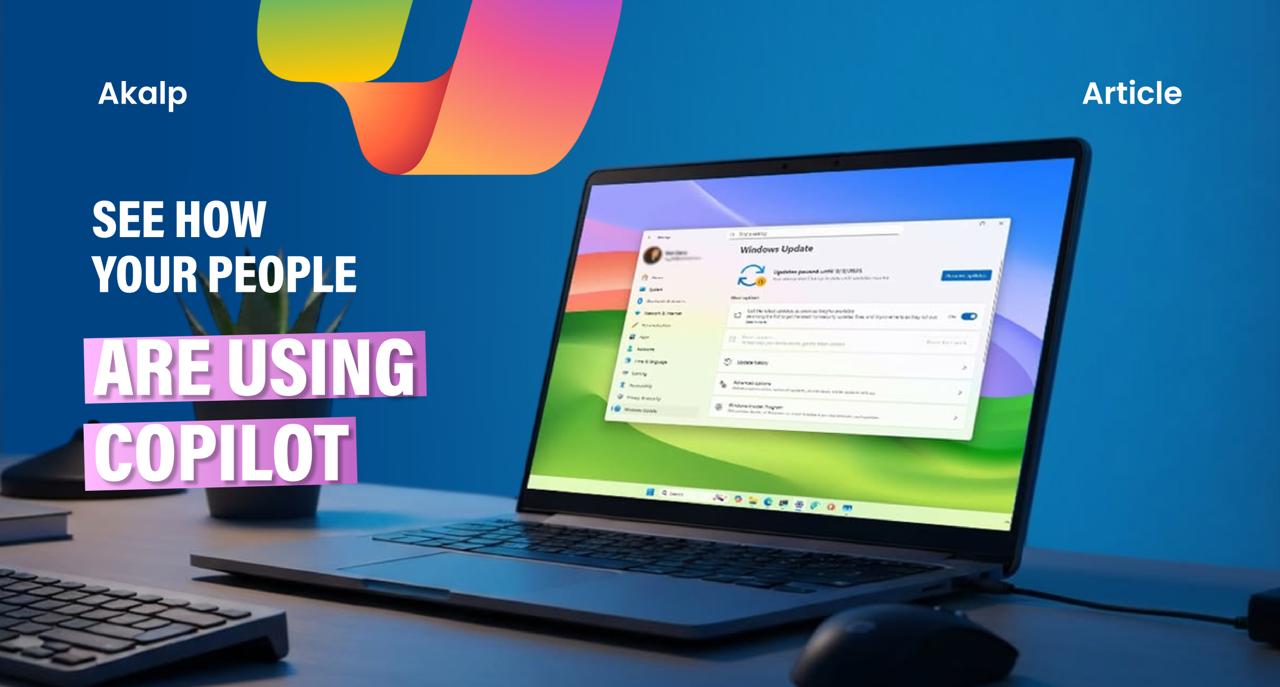
Most companies have rolled out Microsoft 365 Copilot.
Far fewer know if anyone’s actually using it — or using it well. Here’s how to find out, and why it matters more than you think.
Let’s be honest. When your company first rolled out Microsoft 365 Copilot, there was probably a kickoff email, maybe a short training session, and then… not much. Some people dove in. Most went back to doing things the old way. And leadership? They’re still not totally sure what “AI adoption” actually looks like on the ground.
That’s not a criticism — it’s just reality. Rolling out an enterprise AI tool like Microsoft Copilot for business is one thing. Understanding how your people are genuinely using it day-to-day is a completely different challenge. And right now, that visibility gap is costing organizations real money, productivity, and competitive edge.
The Adoption Problem Nobody Talks About
Here’s what typically happens after an AI rollout: IT sets it up, licenses get assigned, and the assumption is that employees will “figure it out.” But AI tool adoption in the workplace doesn’t work that way. Unlike email or Slack — tools people are forced to use — Copilot usage is largely voluntary. If people don’t see immediate value, they quietly stop using it.
The problem is that you won’t always know when this happens. There’s no warning light. No alert that says “Hey, 60% of your finance team stopped using Copilot after week two.” That’s exactly the blind spot that Copilot usage analytics and Microsoft 365 AI reporting tools are designed to close.
Think of it this way: you wouldn’t deploy a new CRM and never check if salespeople were actually logging calls. The same logic applies to enterprise AI adoption. Measurement isn’t optional — it’s how you protect your investment.
What “Using Copilot Effectively” Actually Means
This is where a lot of companies trip up. They check whether Copilot is being used. They don’t check whether it’s being used well.
There’s a big difference between someone who opens Copilot once a week to summarize a meeting and someone who uses it daily to draft proposals, analyze spreadsheets, prep for client calls, and write follow-up emails. Both are “users.” Only one is experiencing real Microsoft Copilot ROI.
Effective Copilot for Microsoft 365 use cases look like this:
- Using Copilot in Teams to summarize long meetings and pull out action items automatically
- Drafting and editing emails in Outlook with AI-powered suggestions that match your tone
- Analyzing complex data in Excel without needing to write a single formula manually
- Generating first-draft documents in Word from a bullet list of ideas
- Researching topics in real time using Copilot with web grounding
When your people reach this level of AI-powered productivity, the time savings aren’t marginal — they’re transformational. We’re talking about hours per person per week redirected toward higher-value work.
“The question isn’t whether AI can help your team. It’s whether your team has learned to let it.”
How to Actually See What’s Happening
So how do you get that visibility? The good news is that Microsoft has baked in some strong reporting capabilities — if you know where to look.
Through the Microsoft 365 Admin Center and the Viva Insights dashboard, IT administrators and business leaders can track Copilot adoption metrics like active users per app, frequency of use, feature engagement, and department-level breakdowns. This data is gold.
But raw data isn’t enough. The real skill — and this is where a partner like Dewpoint comes in — is interpreting those numbers in context. A 30% active usage rate might be fine for a team that just onboarded. For a team that’s had Copilot for six months? That’s a red flag that needs intervention.
Why Some Teams Struggle — And What to Do About It
In our experience helping organizations roll out enterprise AI tools, the reasons for low adoption almost always come down to three things:
- They don’t know what to ask. Prompting is a skill. People who weren’t taught how to write effective prompts tend to try Copilot once, get a mediocre result, and give up. Microsoft Copilot training that covers real prompt engineering makes a measurable difference.
- They don’t trust the output. Employees worry about AI hallucinations, inaccuracies, or producing work that sounds “too AI.” The fix here is education — showing them how to use Copilot as a starting point, not a final product.
- They haven’t changed their workflow. Copilot works best when it’s integrated into how you already work — not treated as a separate tool you visit occasionally. AI workflow integration requires some intentional habit change and manager reinforcement.
The Business Case for Measuring Copilot Effectiveness
Every Microsoft 365 Copilot license costs real money. If a significant portion of those licenses are sitting idle or underutilized, that’s an immediate cost problem. But beyond the license fee, consider the opportunity cost: your competitors who are using AI effectively are getting faster, leaner, and more responsive. Every week of low adoption is a week of competitive disadvantage.
On the flip side, when AI adoption in the workplace goes right, the compounding benefits are enormous. Teams close work faster. Managers spend less time on administrative tasks. Customer-facing staff produce better, more personalized communications. The ROI isn’t theoretical — it’s measurable, and it shows up fast.
Start With a Copilot Effectiveness Audit
If you’re not sure where your organization stands, the first step is a simple Copilot usage audit. Pull the Microsoft 365 AI activity reports, break them down by department and role, and look for patterns. Which teams are engaged? Which aren’t? What features are being used — and which are being ignored?
From there, you can build a targeted AI enablement plan — one that addresses the specific barriers holding back the teams that need the most support, rather than a one-size-fits-all training program that nobody finishes.
The goal isn’t 100% Copilot usage across every employee every single day. The goal is meaningful usage that drives actual outcomes — better work, faster delivery, less burnout. That’s what separates organizations that get real value from AI from those that just paid for the license and hoped for the best.